How to Deploy a Windsurf Project
You built something in Windsurf. It runs locally. Someone asks for a link and Cascade can’t help you, because the project lives on your laptop.
Here is how to deploy a Windsurf project to a real URL in under a minute.
Deploy from Cascade
Windsurf supports MCP servers natively. Open or create ~/.codeium/windsurf/mcp_config.json and add:
{
  "mcpServers": {
    "deloc": {
      "command": "npx",
      "args": ["-y", "@deloc/mcp"]
    }
  }
}
Restart Windsurf. Then in any Cascade chat, say:
“Deploy this to Deloc.”
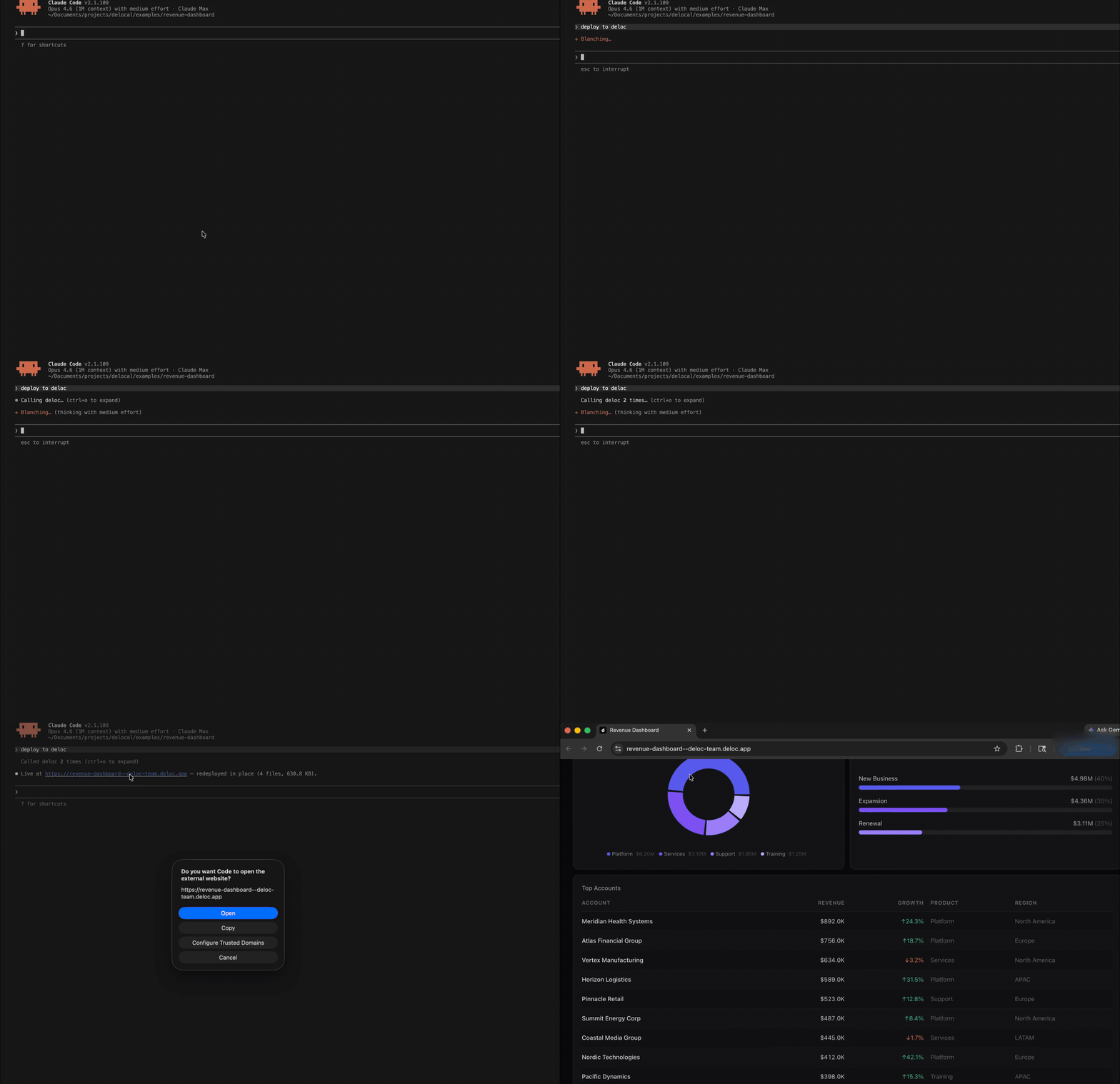
Cascade calls the Deloc MCP server, runs the build, uploads the output, and pastes the live URL into the chat. The link is on your clipboard.
Prefer the terminal? Same result, one command:
npx @deloc/cli deployWhat just happened
Deloc detected the framework, built the project, uploaded the output to a CDN, and handed you a URL. About 30 seconds end to end.
The link works on any device. No Git push, no CI/CD, no server to maintain.
The first deploy opens a browser tab to sign in. After that, every deploy is one prompt or one command.
Three things you probably want next
Password protect it. Tell Cascade “password protect my Deloc app,” or run npx @deloc/cli password your-app-name from the terminal.
Keep data fresh. If your project pulls from an API or warehouse, wire up auto-refresh so numbers update without a redeploy. See Build an Auto-Refreshing Dashboard with React, BigQuery, and Deloc.
Update it later. Make changes, redeploy. Same URL, new content. Anyone with the link gets the new version on refresh.
Get off localhost
Free tier covers three live apps with no credit card. See pricing.
Start deploying at deloc.dev.