How to Share a Project Built with Cursor
You built something good in Cursor. A coworker wants to see it, and the only thing you can send is a screenshot or a “want to do a screen share?”
Here is how to share a Cursor project as a real link, no Git involved, no install on their end.
Get a shareable link from Cursor
Add Deloc to Cursor’s MCP config once. Open ~/.cursor/mcp.json and add:
{
  "mcpServers": {
    "deloc": {
      "command": "npx",
      "args": ["-y", "@deloc/mcp"]
    }
  }
}
Restart Cursor. In any chat, say:
“Deploy this to Deloc and password protect it.”
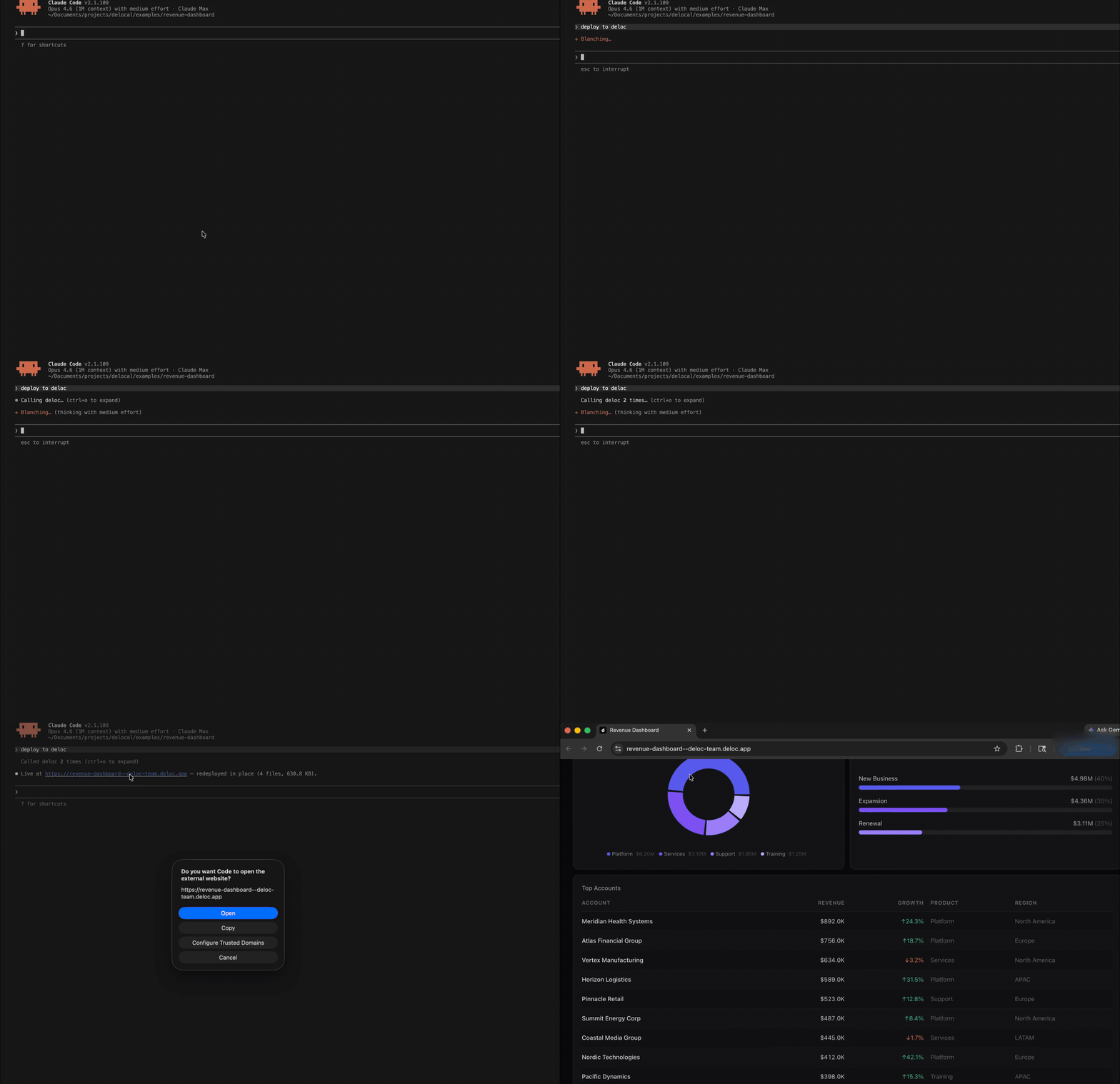
Cursor builds the project, uploads it, sets a password, and pastes the URL plus the password into the chat. Drop the link in Slack, send the password through 1Password or DM.
Prefer the terminal? npx @deloc/cli deploy does the same thing.
What your viewer sees
They click the link. The page loads in their browser. They type the password. They see your project exactly as you built it, on whatever device they’re on.
No login. No “request access.” No GitHub account. No npm install.
The link works the same on a phone, a laptop, a meeting room TV.
Three things you probably want next
Lock it down further. On Pro Unlimited and above you can restrict access to your company email domain. Visitors sign in with Google or Microsoft, Deloc checks their domain against your allow list. Set this from the app’s settings page in the Deloc dashboard.
Keep data fresh. If your project shows live numbers from a warehouse or API, wire up auto-refresh so it updates without a redeploy. See Build an Auto-Refreshing Dashboard with React, BigQuery, and Deloc.
Send updates. Make changes in Cursor, redeploy. Same URL, new content. Your teammates see the new version on next refresh, no new link to share.
Get off localhost
Free tier covers three live apps with no credit card. See pricing for the rest.
Start at deloc.dev.